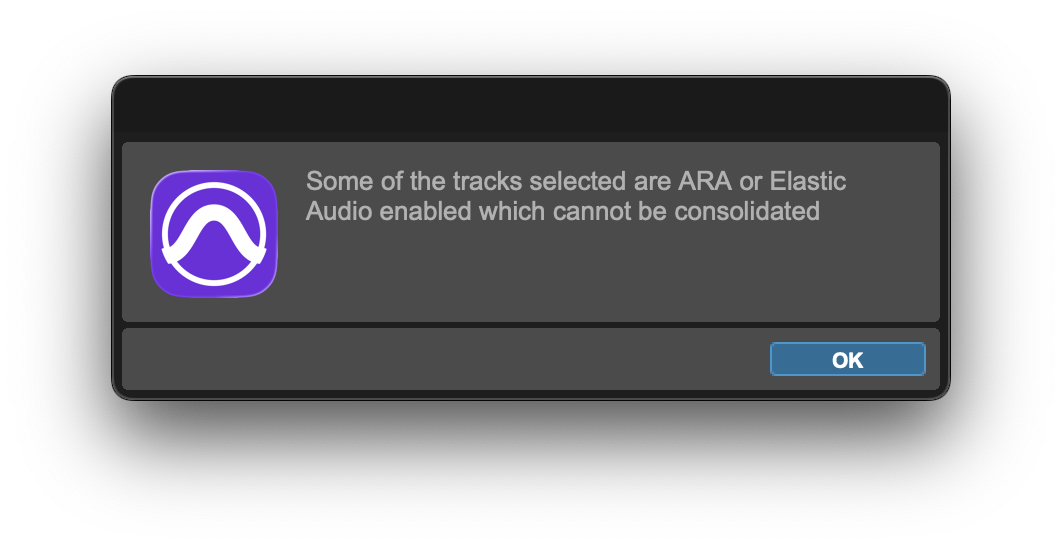
When using Import Session Data on a track with Auto-Align 2 or Auto-Align Post ARA, you might see the following message:
"Some of the tracks selected are ARA or Elastic Audio enabled, which cannot be consolidated"
Cause: The current session and the session you are importing from have different sample rates.
Workaround: Make sure both sessions use the same sample rate by changing one of the sessions before importing.
Was this article helpful?
That’s Great!
Thank you for your feedback
Sorry! We couldn't be helpful
Thank you for your feedback
Feedback sent
We appreciate your effort and will try to fix the article